Three public repos · two machines · one tool
Claude Code Ecosystem
I use Claude Code every day. These three repos are what came out of taking it seriously: how I configure it, how I split the work between two computers, and how I study it to get certified. Each one stands on its own; together they are how I work.
- 0
Use it every day
Writing, reviewing and shipping code with Claude Code in the terminal, on real projects. Everything below exists because that daily use hit its limits.
- 1
Configure it well
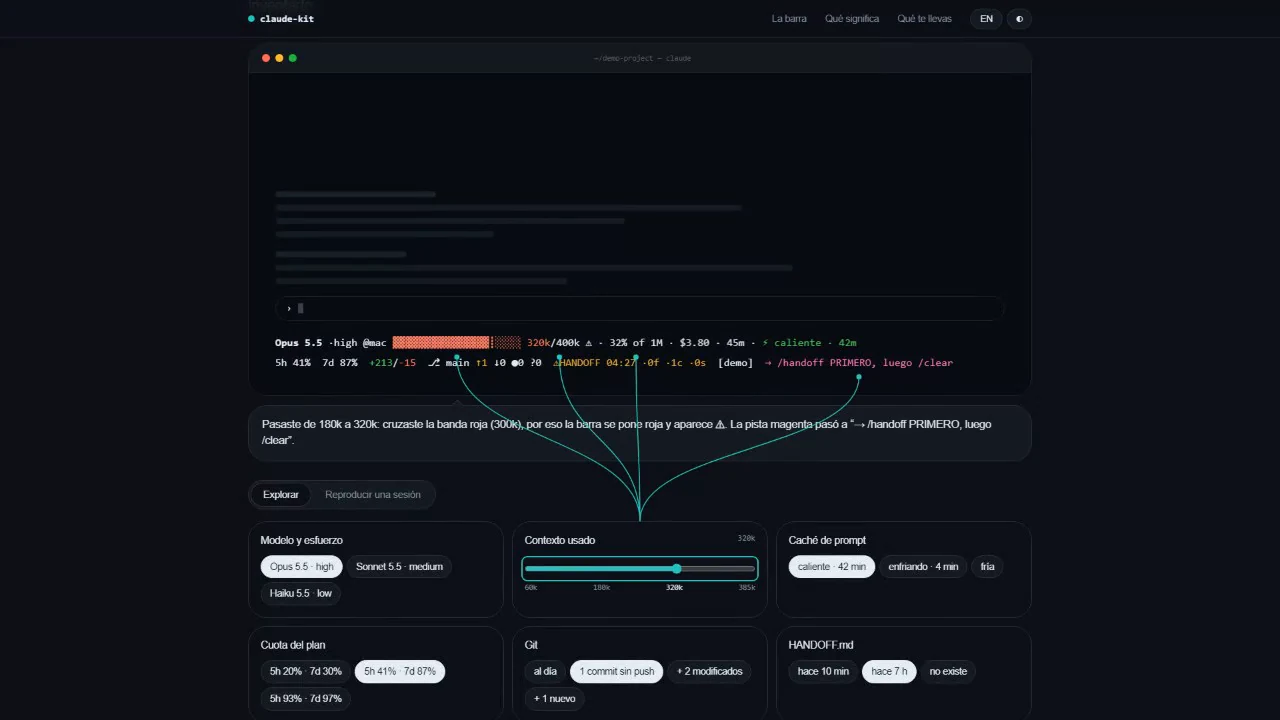
Rules that load in every session, hooks that save state, agents per type of task and a status line that says how much context, quota and cache are left.
Claude Kit → - 2
Split it across two machines
The PC writes a task; a Mac mini runs it in a clean worktree inside tmux, with a dollar budget, and hands it back as a git branch to review before merging.
enjambre → - 3
Study it in depth
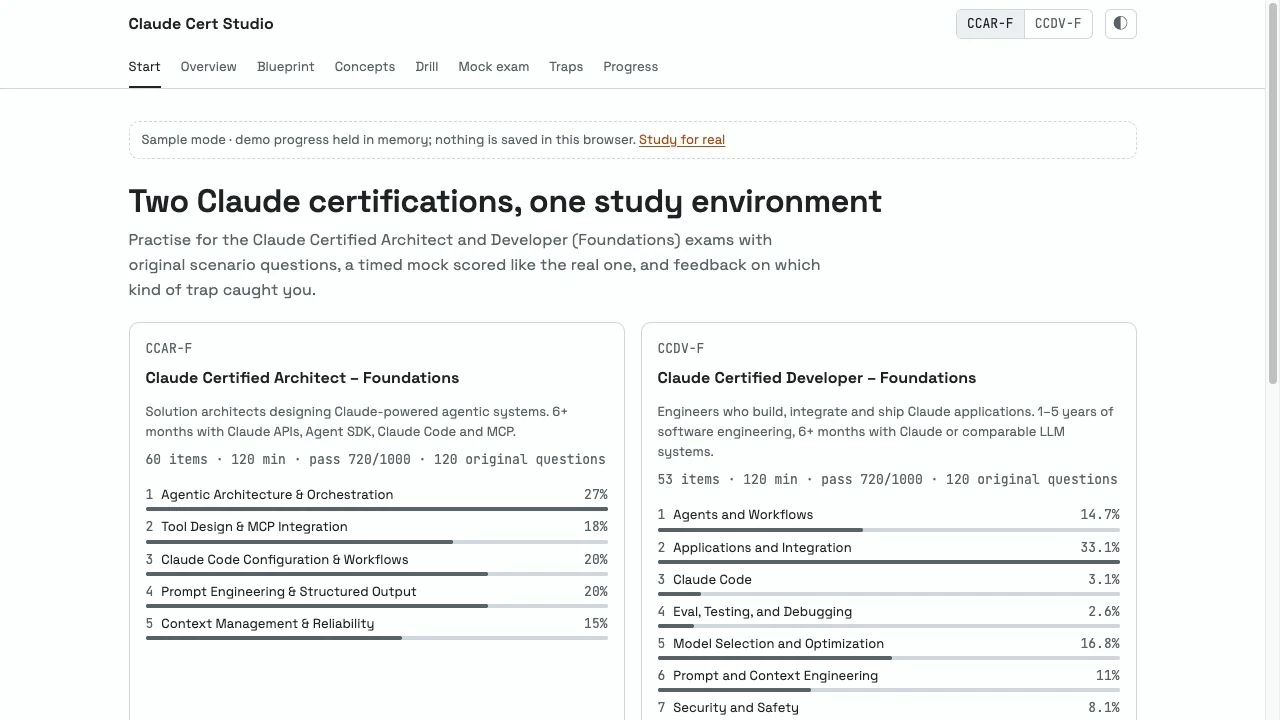
Original questions per exam domain, spaced review and hands-on labs, all in the browser, to sit the developer and architect certifications.
Cert Studio →
The three repos

Agents & AI automation
Claude Kit
The Claude Code setup I built this portfolio with: rules, agents, hooks and a status line that does not lie, the same on every machine.
Agents & AI automation
Cert Studio
I prepare for the Claude Code certifications with my own practice app: 240 original questions, mocks by domain weight and every trap explained.
Academy routes
- Build Stack Orchestrating two or more machines with Claude Code: from a shared monitor to jobs that travel to the Mac and come back as branches. 24 lessons →
- Code Like Me How I program with Claude Code every day: the status line, hooks, the reviewer, model routing, handing off between sessions and thresholds. 8 lessons →
- Certify Studying the tool I use in depth, to sit the developer and architect certifications: eight domains, seven labs and a practice app. 15 lessons →
Architecture
Three repos around one tool: claude-kit configures it, enjambre splits the work between a PC and a Mac mini, and Cert Studio is where it gets studied.
- PC Windows
- Mac mini
- GitHub
- Hostinger
- Visitor's browser
Flows you can replay
- Una sesión arranca
- Un trabajo pesado viaja a la Mac
- Estudiar lo que uso
- Publicar una pieza